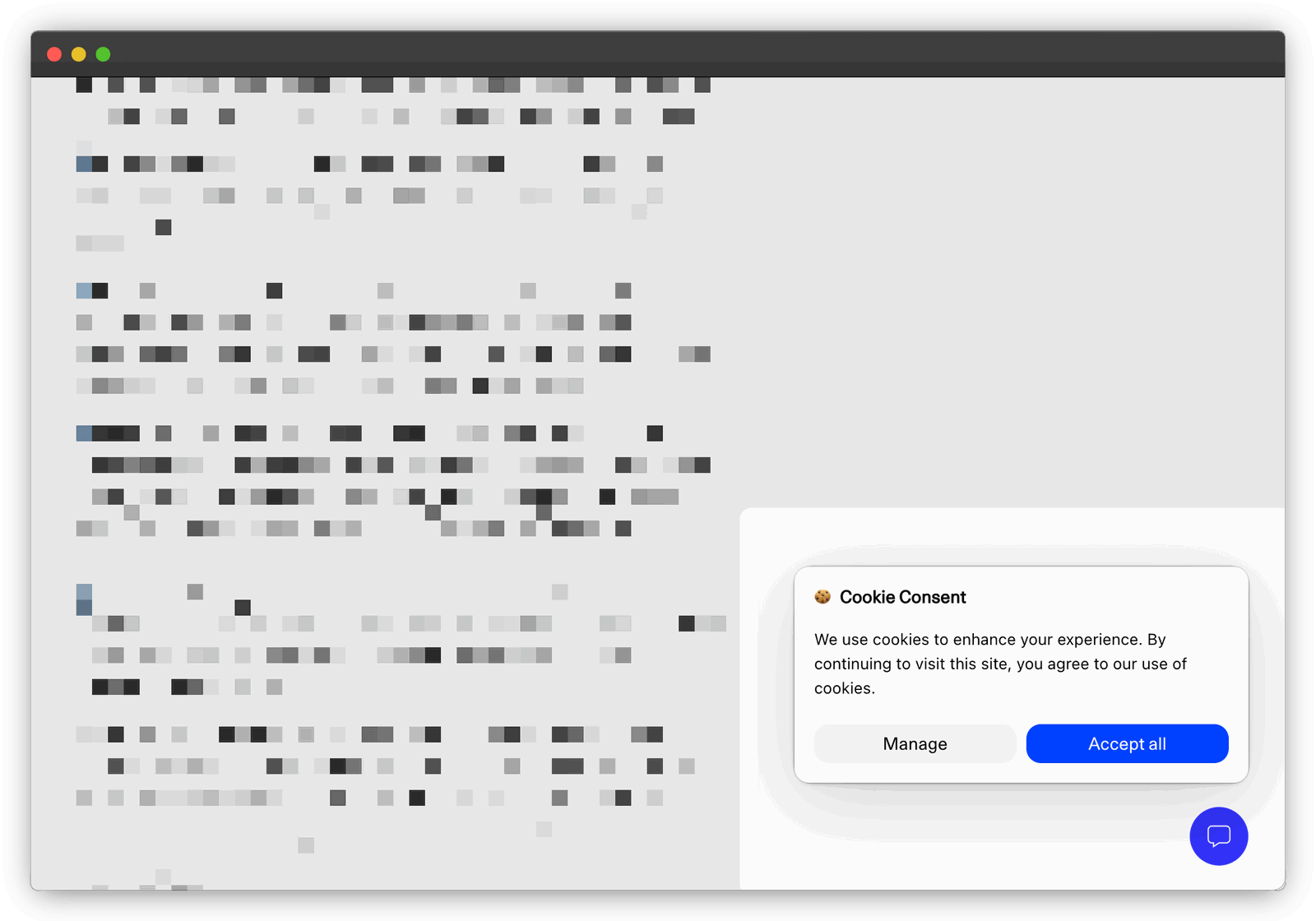
A cookie banner is not the goal. The goal is to respect visitor choices and collect only what you genuinely need.
In the EU, non-essential cookies and similar technologies generally require consent before they are used. Cookies that are strictly necessary to provide a service requested by the visitor are exempt. See the EU guidance on cookies and consent.
Before adding a consent platform, audit the tools running on your site. Replacing Google Analytics with privacy-first analytics may remove the analytics-related reason for showing a banner at all.
- Start with what your site actually uses
- Avoid the analytics banner instead of optimizing it
- How to choose and configure a consent banner
- Deceptive banner designs to avoid
- Hiding the reject button behind layers of options
- Nudging the users to click Accept by making it the most prominent button
- “Helping” visitors by pre-selecting the choices that work best for them
- A persisting consent wall to force the visitor to interact with the banner
- Accept by scrolling
- Combining the GDPR consent with location or camera prompts
- Blocking video embeds from playing until visitors say yes to tracking
- Nudging the user again on the next visit after they rejected to give you consent
- Not giving the option to withdraw consent
- How to design a clear consent banner
- The best banner is one you do not need
Start with what your site actually uses
| Your setup | Practical consequence |
|---|---|
| Strictly necessary cookies only | Consent is generally not required for those cookies. Explain them clearly in your privacy or cookie policy. |
| Analytics, advertising or retargeting that uses non-essential cookies | Prior consent is generally required in the EU. Prevent those tools from loading until the visitor agrees. |
| Plausible with no other consent-dependent tools | Plausible itself does not use cookies or collect personal data, so it does not create a need for an analytics consent banner. |
The first-party versus third-party distinction does not settle the question. A first-party cookie can still require consent if it is not strictly necessary. What matters is what the technology does and whether it is needed to provide the service the visitor requested.
Other tools on your site may still require consent. Video embeds, advertising pixels, chat widgets and personalization tools should be reviewed separately. The exact rules depend on your jurisdiction and implementation, so treat this guide as general information rather than legal advice.
Avoid the analytics banner instead of optimizing it
Google Analytics uses cookies and identifiers to measure visitor behavior. Its consent controls can change how tags behave when a visitor accepts or rejects tracking, but they do not make the underlying choice disappear.
Plausible takes a different approach. It measures website traffic without cookies, persistent identifiers or personal data. There is no cross-site tracking and no visitor profile to reuse elsewhere.
If analytics is the only reason your site displays a banner, switching to Plausible may let you remove it. You get a simpler visitor experience and traffic numbers that do not disappear when someone rejects analytics cookies. Read our legal assessment of Plausible under the GDPR and ePrivacy rules for the detailed reasoning.
Replace consent-dependent analytics with a simpler privacy-first tool
How to choose and configure a consent banner
If your remaining tools require consent, choose a Consent Management Platform that can prevent them from loading before the visitor makes a choice. A banner that appears after tracking has already started does not solve the problem.
Google Consent Mode adjusts Google tags based on the consent status you send. It can also introduce modeled behavior and conversions into reports. Those estimates are not the same as directly observed visitor activity. We explain the distinction in our guide to GA4 consent mode and modeled data.
A consent platform provides the controls, but you remain responsible for the configuration. Test that Reject works as clearly as Accept and confirm that non-essential tools stay blocked until consent is given.
Deceptive banner designs to avoid
Some consent platforms make deceptive patterns easy to configure, and their defaults may favor acceptance over a fair choice. The site owner is still responsible for what visitors see and what happens after each choice.
Why should you care?
- Many such practices may fail applicable consent rules. A banner does not help if the choice it presents is misleading.
- They breach customer trust.
- They point to bad user experience. Your website is your online identity. Creating friction for people to browse it is counter-productive.
- They are not true to the intent of privacy.
Review the platform’s settings instead of assuming the default banner is clear or compliant.
Here are some of the tricks some websites use to get higher opt-in rates for cookie consent banners (and that you should avoid):
Hiding the reject button behind layers of options
You’ve likely encountered banners that only show options like “Accept” or “Customize,” making it difficult for users to reject cookies.
Many people don’t want to be tracked across the web by companies like Google or Facebook, but this tactic hides the “Reject” option deep within customization settings, forcing users to manually opt out of every third-party tracker.
This method counts on the fact that most visitors won’t take the time to customize settings. Most people just interact with the first layer of the banner and click “Accept,” especially when told it will “ensure the best experience.”
Misleading, right? Avoid this practice.
Nudging the users to click Accept by making it the most prominent button
Even if you’re required to include a “Reject” button, some sites try to make it nearly invisible: small, bland and easy to miss. Meanwhile, the “Accept All” button is big, colorful and designed to grab attention.
On top of this, some sites use copywriting that nudges users to think accepting cookies is the best choice, using positive, friendly language to suggest rejecting cookies is a bad move.
Such deceptive design should be avoided at all costs.
“Helping” visitors by pre-selecting the choices that work best for them
Some websites pre-select cookie consent options that allow maximum tracking, making it seem like the default or best choice.
The user is led to believe that these settings will “save them time,” when in reality, they are giving away personal data without a second thought.
This practice is misleading and should not be implemented. Respect users’ right to make informed decisions.
A persisting consent wall to force the visitor to interact with the banner
A consent wall can block access to content until a user interacts with it, pressuring them to either accept tracking or leave the site. Some websites prevent users from closing the consent wall, leaving them with no option but to engage.
This practice traps users into making decisions under duress, and it’s not ethical. Always offer a clear, transparent way to manage cookie preferences without blocking content.
Accept by scrolling
Some sites implement a tactic where simply scrolling through the page or interacting with content is considered as consent to track users. This silent consent is misleading and takes advantage of users who might not even realize they’ve given permission.
Consent should always be explicit and informed. Scrolling or engaging with content should never count as consent.
Combining the GDPR consent with location or camera prompts
When users try to access certain features, like camera or location services, some websites sneak in GDPR cookie consent requests. The hope is that users won’t notice they are also consenting to being tracked.
This method is underhanded and combines unrelated permissions in a way that confuses users. Always keep consent requests clear and separate from other prompts.
Blocking video embeds from playing until visitors say yes to tracking
Some sites prevent videos or other embedded content from playing unless users give consent to be tracked. This forces visitors into an uncomfortable choice: either give up their privacy or miss out on content.
Avoid holding content hostage to force consent.
Nudging the user again on the next visit after they rejected to give you consent
Some websites don’t take “no” for an answer. If a user rejects consent, they’re asked again the next time they visit. This constant nagging is designed to wear users down, hoping they eventually give in.
Respect users’ decisions. If they say no, don’t keep asking.
Not giving the option to withdraw consent
After users give consent, some sites deliberately hide any option to withdraw it. This makes it difficult for people to change their minds and opt-out later.
This is deceptive and against the spirit of privacy regulations. Always provide a clear and easy way for users to withdraw their consent if they choose to do so.
How to design a clear consent banner
If your site needs consent, the banner should make an informed choice possible. The implementation depends on the tools you use and the rules that apply to you, but these principles are a useful starting point:
- Do not load consent-dependent cookies, scripts, trackers or pixels before the visitor agrees.
- Explain what you want to collect, why you want it and which third parties will receive it.
- Ask through a clear affirmative action. Do not use preselected options, inactivity or scrolling as consent.
- Make Reject as easy to find and use as Accept.
- Remember the visitor’s choice and provide an equally simple way to withdraw consent later.
- Load only the tools and purposes the visitor accepted.
Do not rely on a consent platform’s default settings. Test the actual site before and after each choice, including what happens when someone ignores the banner.
The best banner is one you do not need
When consent is required, make the choice clear, specific and easy to reverse. Do not optimize for the highest possible acceptance rate. Optimize for an honest decision.
Then reduce the number of decisions you need to ask visitors to make:
- Inventory every third-party script, pixel and embed on your site.
- Remove tools that do not provide enough value to justify their privacy cost.
- Replace consent-dependent services where a privacy-first alternative can do the job.
- Keep the banner for any remaining technology that genuinely requires consent.
Plausible replaces Google Analytics with a simpler model. No cookies, no personal data and no cross-site tracking. If analytics is the last reason you still have a banner, start a free 30-day trial or use our cookie banner traffic loss calculator to see what consent-dependent analytics may be missing.